Unlike traditional online PDF services that upload your files to public servers, every compression happens locally inside your browser. Zero uploads. Zero cloud storage. Zero data leaks.
Compress PDFs Securely →
All processing happens locally in your browser using JavaScript. Your files never touch our servers or any third-party cloud.
Reduce PDF file sizes by up to 80% while maintaining readable quality. Perfect for email attachments and web uploads.
No software to install, no account to create, no registration form to fill out. Open the site and compress instantly.
Any modern browser on Windows, Mac, Linux, Chromebook, iPhone, or Android. Cross-platform by design.
Every time you upload a PDF to a traditional online compression tool, you are trusting an unknown company with potentially sensitive documents. Contracts, tax forms, medical records, legal papers — they all pass through someone else's server.
PrivacyPDF eliminates that trust requirement entirely. Because the entire compression algorithm runs inside your browser, we literally cannot see your files even if we wanted to. They stay on your device from start to finish.
This is not just marketing speak. Open your browser's developer tools while using PrivacyPDF and watch the network tab — zero outbound file transfers.
Upload files to remote servers. Processed in the cloud. Download results. Your data stored temporarily (or longer) on third-party infrastructure.
Select file in browser. Compress locally with JavaScript. Save directly to your device. Nothing ever leaves your computer.
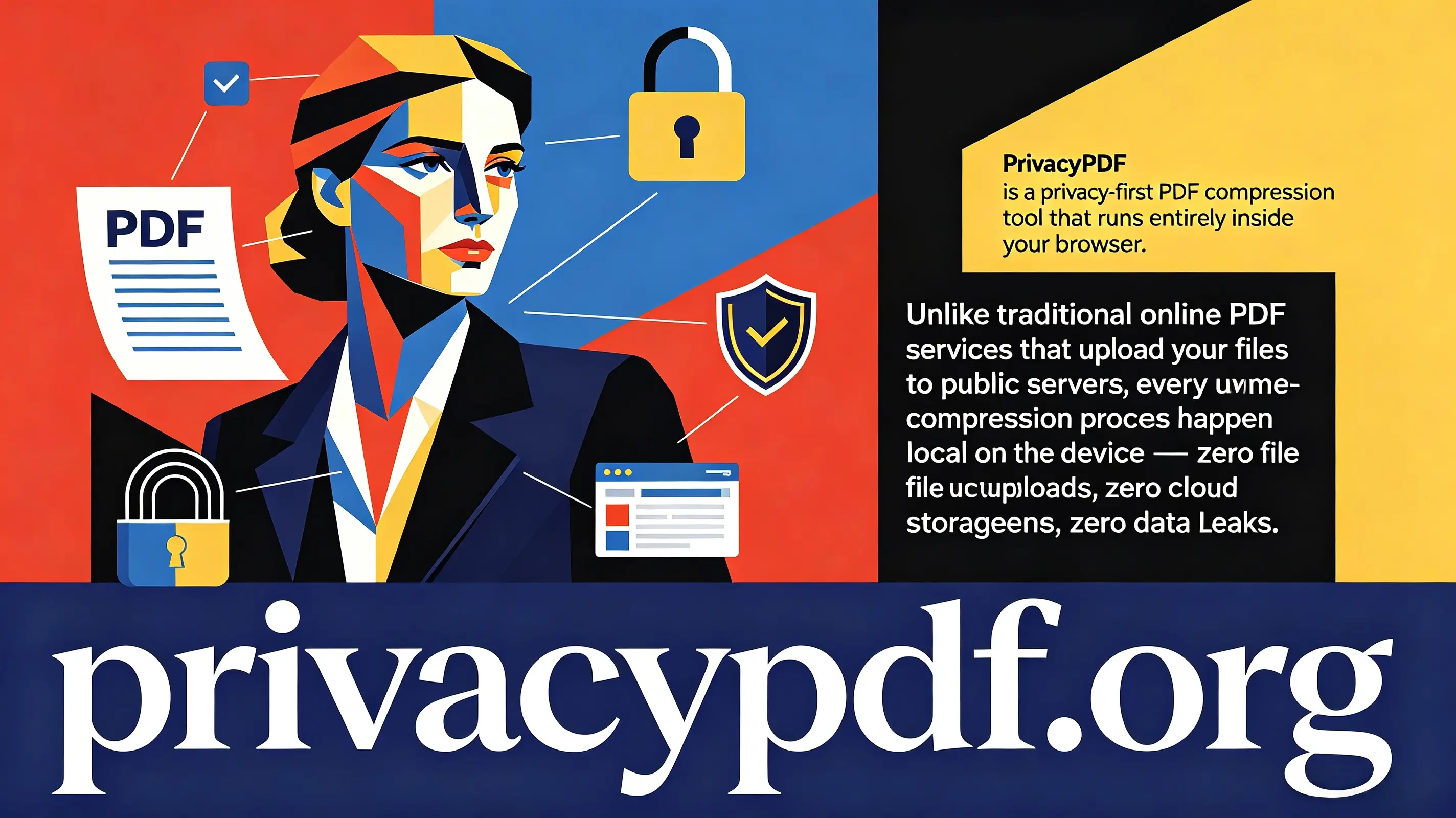
PrivacyPDF uses advanced JavaScript PDF libraries that run entirely within your browser. When you select a file, it is loaded into your browser's memory (not uploaded anywhere), processed locally using compression algorithms, and then saved back to your device. No internet transmission of your file content occurs.
Yes. PrivacyPDF is completely free to use with no usage limits, no watermarks, and no premium tiers. We believe privacy-respecting tools should be accessible to everyone.
Because everything happens in your browser, file size limits depend on your device's RAM. Most modern computers handle PDFs up to 100MB without issues. For extremely large files, we recommend splitting them first.
PrivacyPDF optimizes images and removes redundant data while preserving text and layout quality. The visual appearance remains essentially identical for standard documents. Image-heavy PDFs may show minor quality reduction depending on your compression settings.
Yes. PrivacyPDF works on any device with a modern web browser, including iPhones, iPads, and Android devices. The interface adapts automatically to smaller screens.
No. We physically cannot store your files because they never reach our servers. This is the fundamental difference between PrivacyPDF and traditional online PDF tools.
You need internet to load the PrivacyPDF website initially. However, once loaded, the compression itself works offline. For maximum privacy, you can even disconnect from Wi-Fi before processing sensitive documents.
PrivacyPDF is ideal for anyone handling sensitive documents: lawyers, doctors, accountants, HR professionals, students, and privacy-conscious individuals. If you would not email a PDF to a stranger, you should not upload it to a traditional online tool either.
Join thousands who've switched to truly private PDF compression.
Compress PDFs Securely →